At A Glance
How to emote in gakuran trips up new players because Gakuran Roblox remaps B to execute downed opponents, not the default Roblox dance wheel. Searches like how to emote in gakuran roblox and how to emote gakuran usually mean one of three things: avatar dances, in-game phone RP animations, or music-room / instrument scenes.
Join the official Roblox group and launch from the game page before testing. Toggle T combat stance off before hallway RP — stance blocks polite emote loops indoors and outdoors.
Why Can't I Emote With B?

Most how to emote in gakuran frustration starts with muscle memory from other Roblox games. Platform-wide, B often opens the avatar emote wheel. In Gakuran Roblox, verified control lists map B to execute — finishing a player who is already downed after a fight. Pressing B near a standing friend does nothing useful for RP; pressing it near a downed opponent triggers a combat finisher instead of a dance.
That remap is intentional PvP design, not a bug. Community control guides and the controls reference agree: B pairs with V carry for post-fight interactions. If you imported binds from a generic Roblox tutorial, reset Settings → Controls inside Gakuran Roblox before blaming "broken emotes."
Once you accept the B conflict, emote setup becomes straightforward: use Roblox-level emote inputs for avatar dances, and use Gakuran Roblox-specific tools (phone, instruments, interact prompts) for school RP flavor.
| Input | Generic Roblox habit | Gakuran Roblox actual | RP use? |
|---|---|---|---|
| B | Open emote wheel | Execute downed player | ❌ Not for dances |
| . | Alternate emote menu | Roblox emote wheel (if unbound) | ✅ Avatar dances |
| 1–8 | Quick emote slots | Equipped avatar emotes | ✅ Fast waves / dances |
| Alt | — | Pull out phone UI | ✅ Text / music RP |
| E | Interact | Vending · instruments · props | ✅ Scene emotes |
| T | — | Combat stance toggle | ❌ Turn off before RP |
Roblox Avatar Emotes in Gakuran (PC)
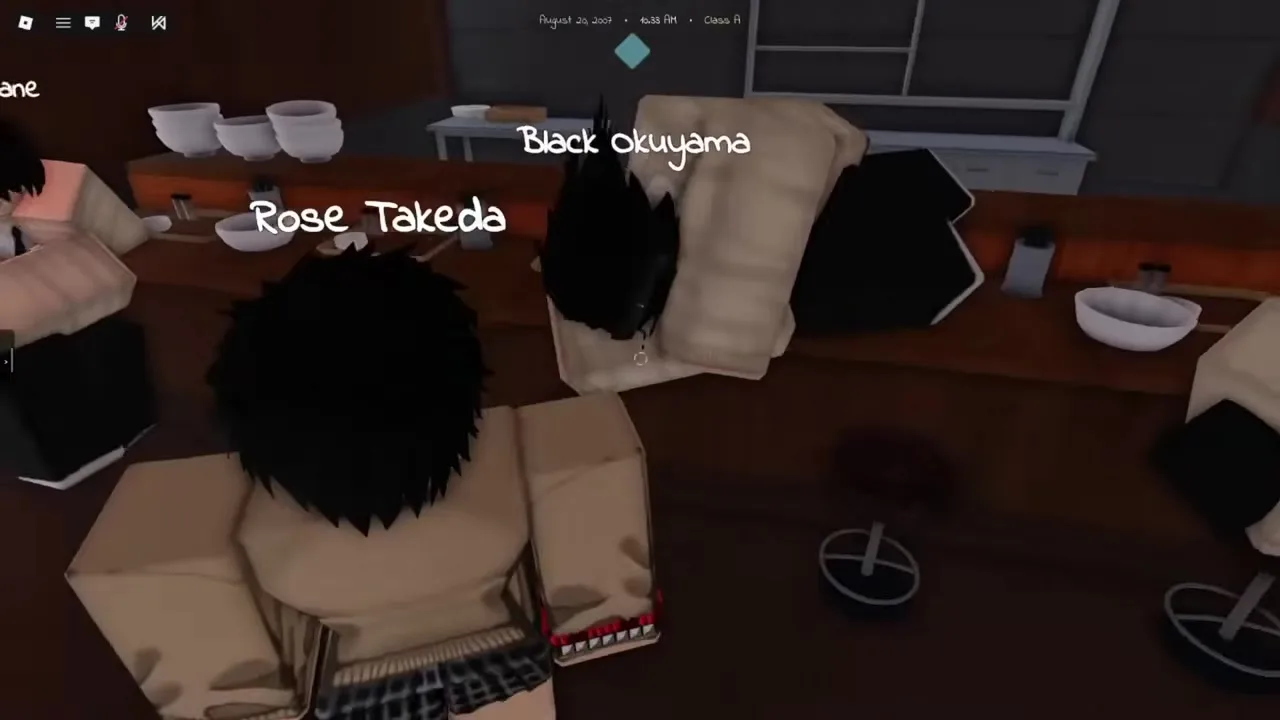
How to emote in gakuran roblox with your equipped Roblox avatar animations: open the platform emote menu, pick a dance or wave, and let the animation play while you walk the school halls. On PC, Roblox defaults include the period (.) key for the emote wheel when a game does not consume that bind. Gakuran Roblox does not list . on its combat table, so it remains the safest first test after joining a server.
Equip emotes on the Roblox website before launching: Avatar → Animations → choose up to eight slots → save. In-game, press 1 through 8 to fire slot emotes without opening the wheel — ideal for quick waves during class RP. Free defaults (wave, point, cheer, laugh) work everywhere; purchased dances follow the same slot rules.
Always drop combat stance (T) first. Stance animations override casual emote posture and make you look ready to brawl in a music-room scene. Green zones still allow avatar emotes — they only block attack inputs.
- Do01Equip up to 8 emotes on your Roblox avatar profile.
- Do02Join Gakuran Roblox and toggle T off (no fighting idle).
- Do03Press . to open the Roblox emote wheel OR tap 1–8 for quick slots.
- Do04Pick wave / dance — walk naturally for hallway RP.
- Do05Avoid standing over downed players while pressing B.
Phone & Headphone RP Emotes
Gakuran roblox layers social emotes through the in-game phone — not just Roblox avatar dances. Press Alt on PC to raise the handset; nearby players read that as texting, calling, or scrolling music even when you stay silent in voice chat. Pair phone pulls with headphone accessories from the character customization guide for private-listening RP scenes.
Phone emotes differ from combat inputs: you can open the phone in many indoor green zones while stance is off. You cannot meaningfully trade punches while the UI is up — finish the animation, close the phone, then walk outdoors if a fight starts. Income and job flows inside the phone (Indeed apps, Yen transfers) are on the economy guide; this section covers visible RP motion only.
Headphones plus the Music app create "listening alone in the hallway" emote vibes — popular after the New Town Update added more street corners for loiter RP. If headphones fall off during PvP, see the drop items guide for pickup loops.
| Action | Key / step | Looks like | Best zone |
|---|---|---|---|
| Pull phone | Alt | Texting / scrolling | Hallway · town streets |
| Music app | Phone → Music | Head-bob RP | Courtyard · Club Akuma |
| Headphones equip | Stats / accessory roll | Private listen flex | Music room · vending row |
| Close phone | Alt again | Return to neutral | Before combat |
Music Room & Instrument Emotes
The music room is the flagship how to emote in gakuran location for group RP. Walk to an instrument, press E (PC interact) or the on-screen prompt on mobile, and your character plays rhythm lanes or hold animations while others spectate. This is not the Roblox avatar wheel — it is a map interactable tied to the school green zone rules.
Band RP sessions work best with staggered emotes: one player on guitar, another on drums, a third using avatar dances as audience. Keep volume reasonable on public servers; spamming audio draws moderators even in green zones. After the August 2026 map work, the music app on your phone also received search and stability fixes — combine room instruments with phone tracks for layered scenes.
Instruments count as held props in some builds — you may need Backspace to drop them when leaving the room. Cross-read the locations guide for music-room placement and the drop items guide if a guitar sticks in your hand after class.
Mobile & Controller Emote Tips
Touch players ask how to emote in gakuran with the same B confusion: the execute action sits on a combat button, not the Roblox emote icon. Open the Roblox overlay emote button (top of screen) or bind quick emotes in Roblox mobile settings before entering Gakuran Roblox. Remap on-screen combat buttons so Execute is not where your thumb expects "dance."
Controller layouts mirror PC combat remaps — L1 + X executes on some builds while B dashes. Check Settings → Controls inside the experience after every patch. For phone RP, map a reachable phone button; for instrument scenes, use the interact prompt rather than fighting the emote wheel mid-combo.
Mobile green-zone tours (classroom → music room → art room) remain the lowest-risk way to test how to emote gakuran without getting jumped in the courtyard. See the beginner guide RP route for a first-day path.
- Do01Shrink Roblox UI scale if emote + combat buttons overlap.
- Do02Place Execute away from social buttons.
- Do03Test Roblox emote wheel in a classroom first.
- Do04Use E interact for instruments instead of the wheel.
RP Etiquette — When Emotes Go Wrong
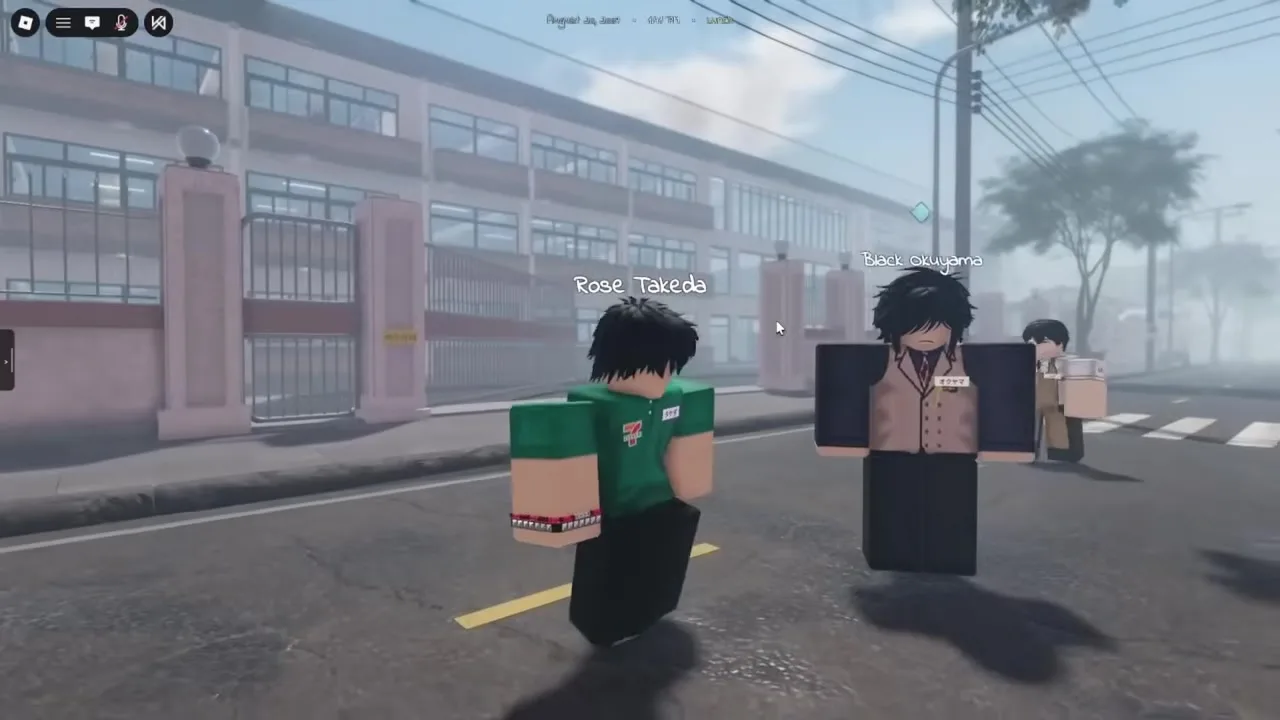
Emotes are social signals in Gakuran Roblox. Pulling a dance mid-negotiation after bumping someone in a hallway can read as disrespect on gang-heavy servers — check crew norms on Discord before trolling. Conversely, phone emotes during calm scenes tell nearby players you are in character, not buffering a parry.
Never spam execute prompts (B) for comedy near downed players unless the server explicitly allows it — staff treat that as combat harassment. Avatar dances in front of active 1v1s invite third-party jump-ins because you cannot block while emoting.
Green zones protect RP emotes, not immunity from drama. Step outside if you want to flex combat stance after a performance — read the combat mode guide before toggling T near a music-room exit.
| Scene | Safe emote | Avoid | Priority |
|---|---|---|---|
| Class change hallway | Wave · phone text | Execute near downed players | S |
| Music room band | Instrument interact | 10-min loud loops | A |
| Basketball court | Avatar dance pre-game | Emote during active fight | S |
| Gang meetup | Phone idle | Random dance disrespect | S |
| New Town street | Sit / lean emotes | Blocking doorways | B |
Troubleshooting — Emotes Not Working
Run this table when how to emote in gakuran roblox fails after a patch. Most issues are stance locks, wrong key expectations, or empty Roblox emote slots — not missing game content.
| Symptom | Likely cause | Fix | Priority |
|---|---|---|---|
| B opens execute prompt | Expected — B is combat | Use . wheel or 1–8 slots | S |
| Nothing happens on B | No downed target nearby | Switch to . emote menu | S |
| Stuck fighting idle | Combat stance on | Toggle T off | S |
| Emote wheel empty | No avatar emotes equipped | Roblox profile → Animations | S |
| Phone won’t open | Stance / wrong bind | Confirm Alt in Settings | A |
| Instrument silent | Green zone bug / peak lag | Re-interact · rejoin server | B |
FAQ — How to Emote in Gakuran
How to emote in gakuran? Drop combat stance, then use Roblox avatar emotes (. menu or 1–8 slots) OR pull your phone (Alt) OR interact (E) with music-room instruments. Why doesn't B dance? B is mapped to execute downed players in Gakuran Roblox, not the platform emote wheel.
How to emote in gakuran roblox on mobile? Use the Roblox emote button or equipped slots — keep Execute on a separate combat button. Best emote spot? Music room (instruments) and indoor hallways (green zones). Can I emote while fighting? Not cleanly — stance and attack animations override dances; finish the fight first.
Phone emotes vs avatar dances? Phone = RP storytelling; avatar wheel = wave/dance cosmetics. New Town emote spots? Club Akuma streets and Nishikata Coffee Shop fronts — see locations. Official links? Trello · Discord · controls. Verified August 16, 2026. Public servers are live as of August 2, 2026.
More guides that pair well
Matched by build plan, shared topics, and guide progression — not random related links.
Gakuran Roblox controls and PC keybinds — combat stance, M1, heavy, parry, dash, phone, Xbox, PS4, and mobile button remapping.
How to play Gakuran Roblox in 5 steps — join group, game status, Stats setup, campus tour, and first RP or PvP session.
How to enable comat on Gakuran Roblox — combat mode explained, press T for fighting stance, green zones, Settings checks, and PvP readiness on the school map.